Let's make something real — a small diamond earring, from a blank grid to an exported PDF. Reading this will take about as long as actually doing it.
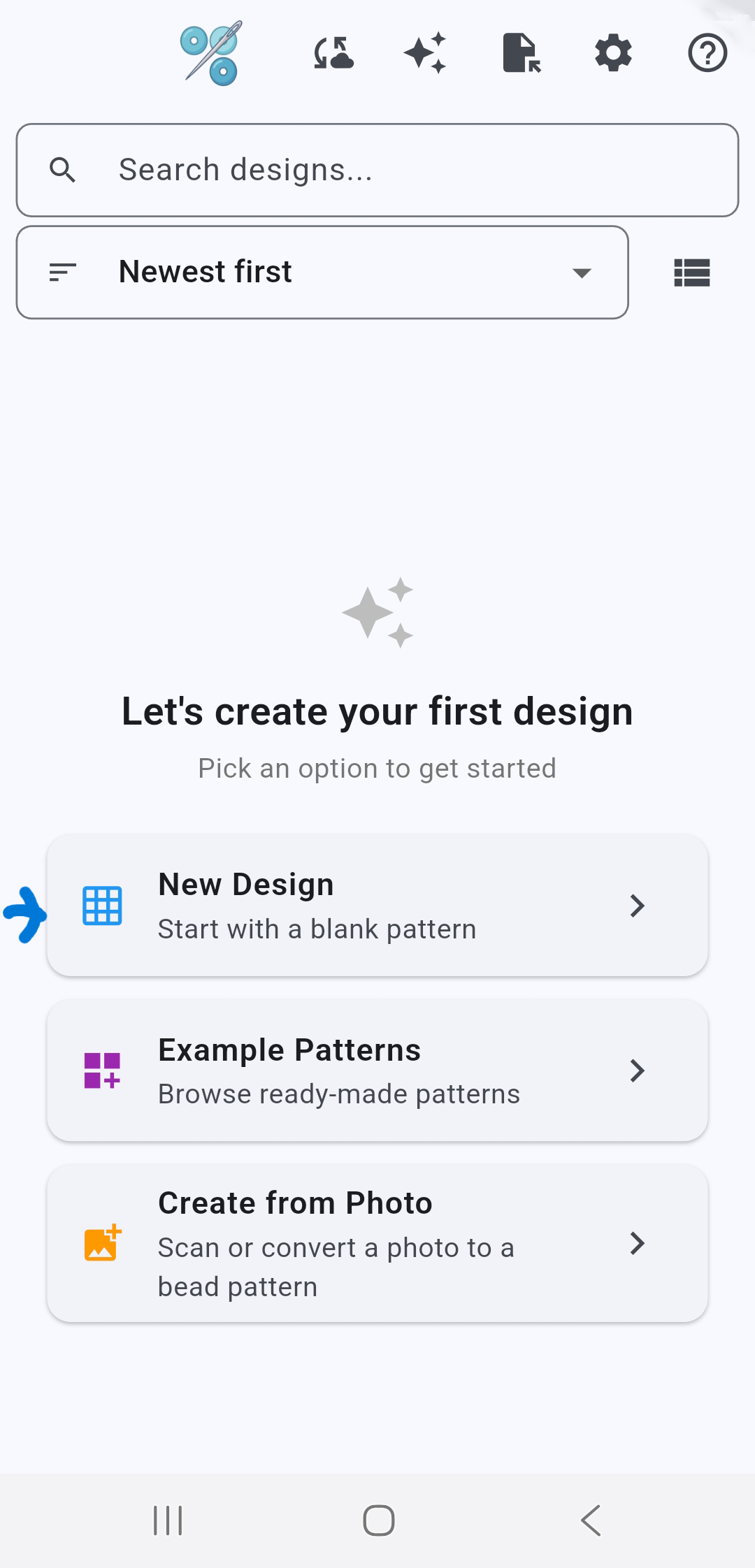
If this is your first time opening the app, on the home screen, tap the New Design button. Otherwise, tap the + button and choose New Design.
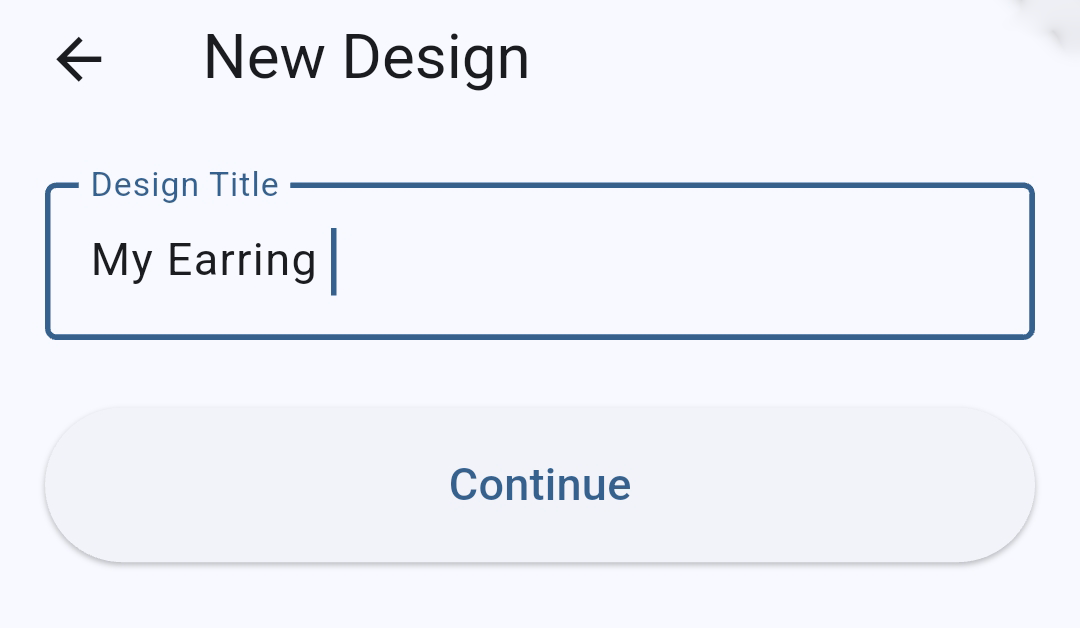
Title your design whatever you wish, for example "My Earring." Tap Continue.
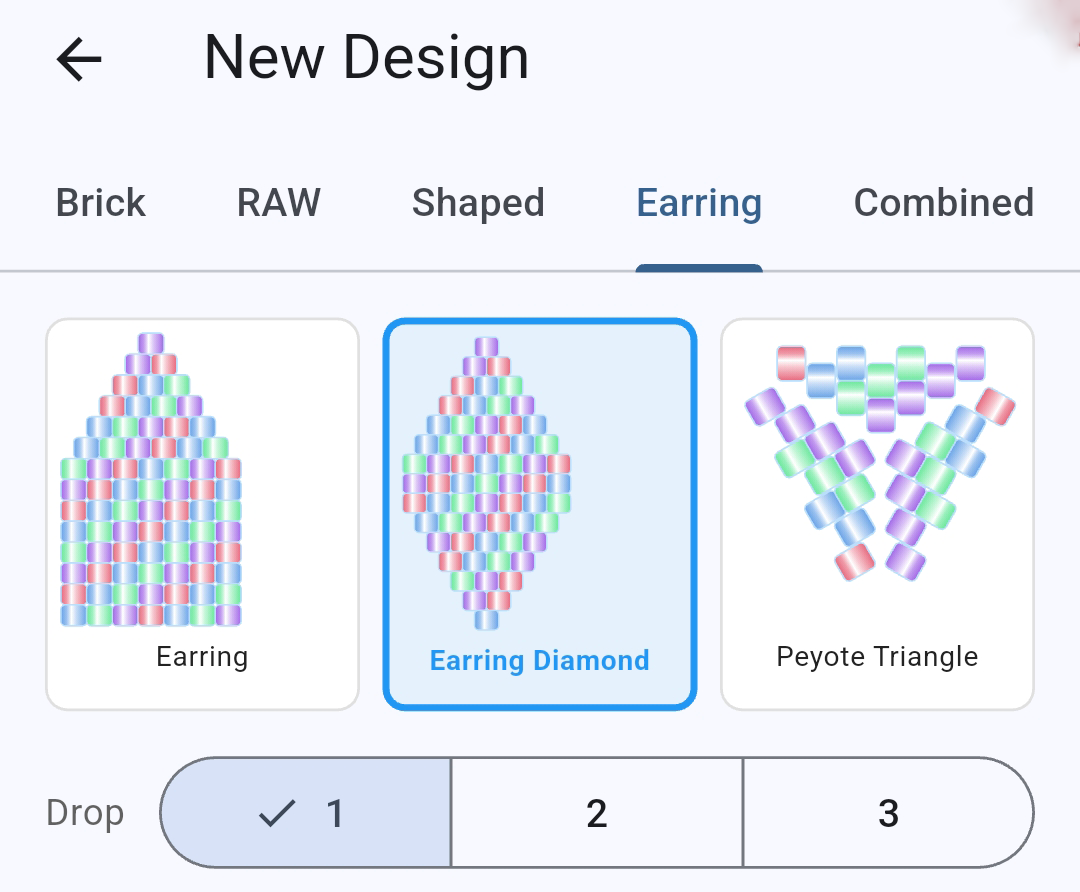
On the "New Design" screen, all of the design's parameters can be defined. For our design, we set the following:
At the top, there's a row of pattern types to choose from. Pick Earring, then Earring Diamond. It's simple and symmetric, which makes it a good first project.
In the row labeled Drop, keep the value at 1.
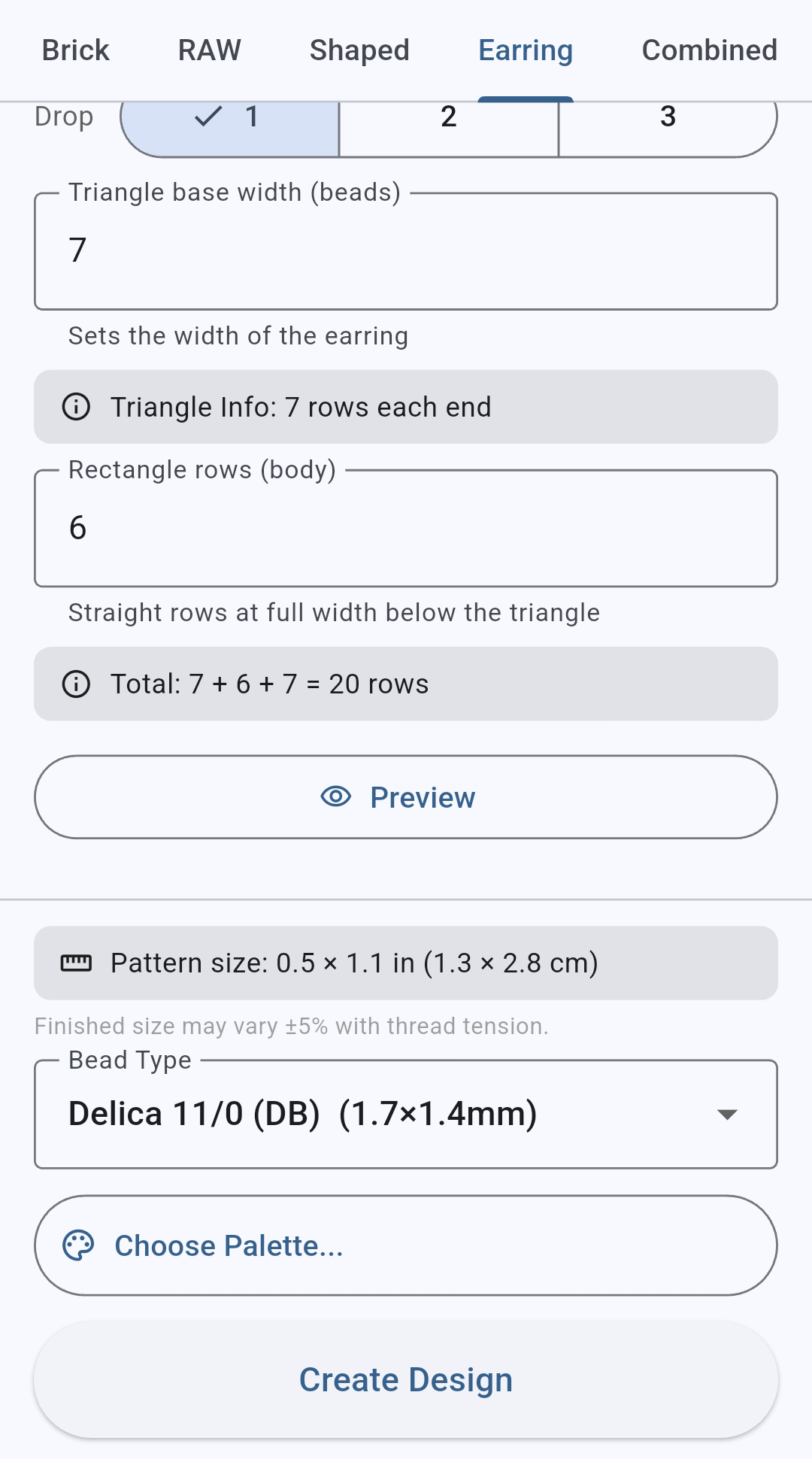
The next two boxes set the size of the pattern. For a Diamond pattern, this is the width of the base of the triangle and the number of rows in the middle part. We'll set a small size (base width of 7 and 6 rows is plenty for a first try). Note that you may need to scroll down to see all the input boxes.
Lastly, pick a bead brand from the list; Miyuki Delica is a common default.
Tap "Preview" if you want to see a preview of the design.
Let's skip the "Choose Palette" option for our first design. Tap Create Design to begin working on the design.
Once you've defined the design parameters, the Design Builder screen opens with a display of the empty Diamond design. You'll start with a default palette in the color strip along the bottom of the screen. Note that the red color (labeled "A") is highlighted — that's the currently selected color.
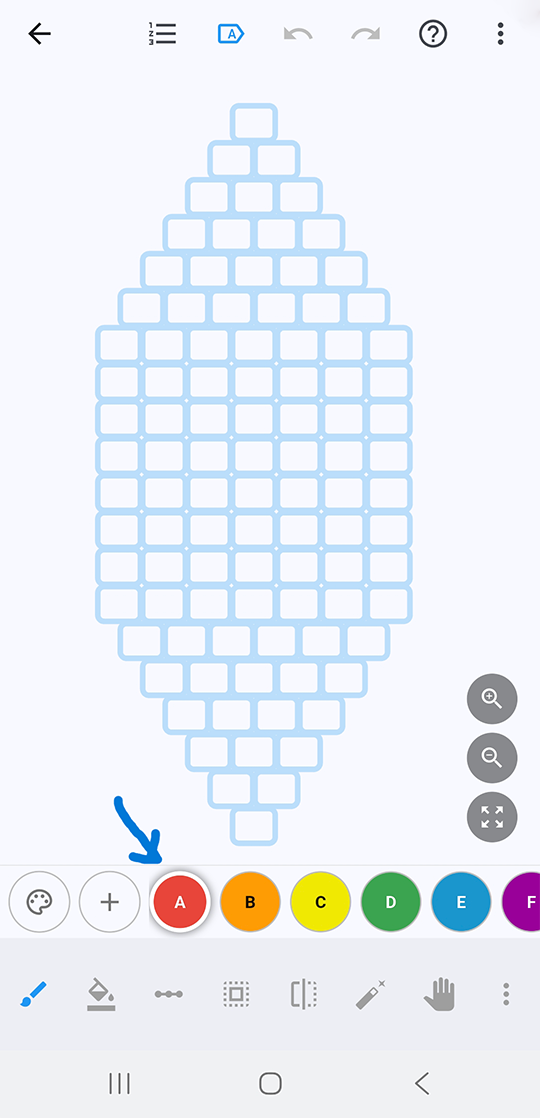
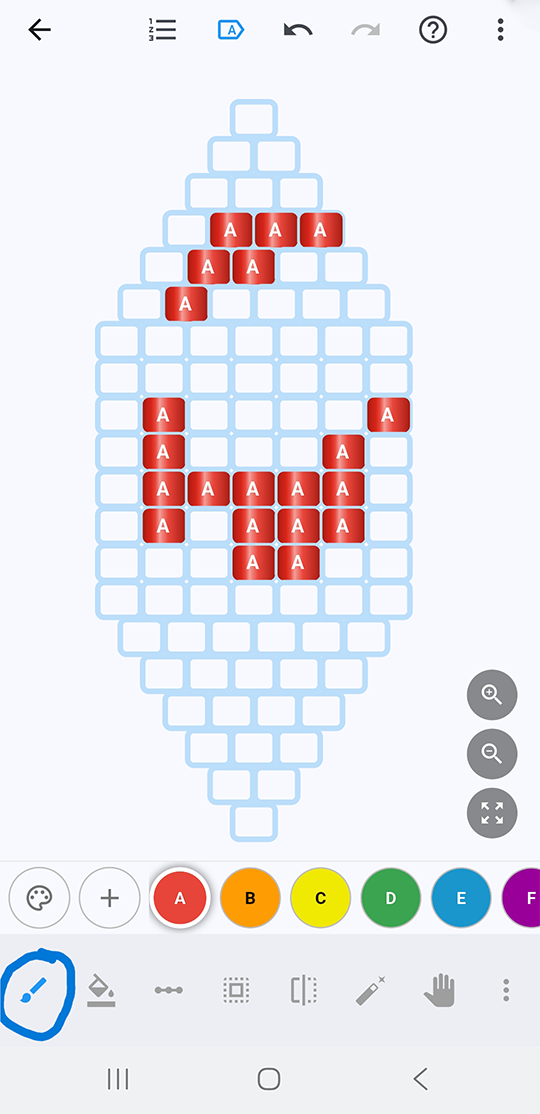
The Paint tool is usually already selected (it's the first tool in the bottom toolbar). Tap on the design or drag across cells to fill in part of the diamond with your main color. Made a mistake? Tap Undo at the top of the screen; undo can go back up to 200 steps, so there's no need to be careful.
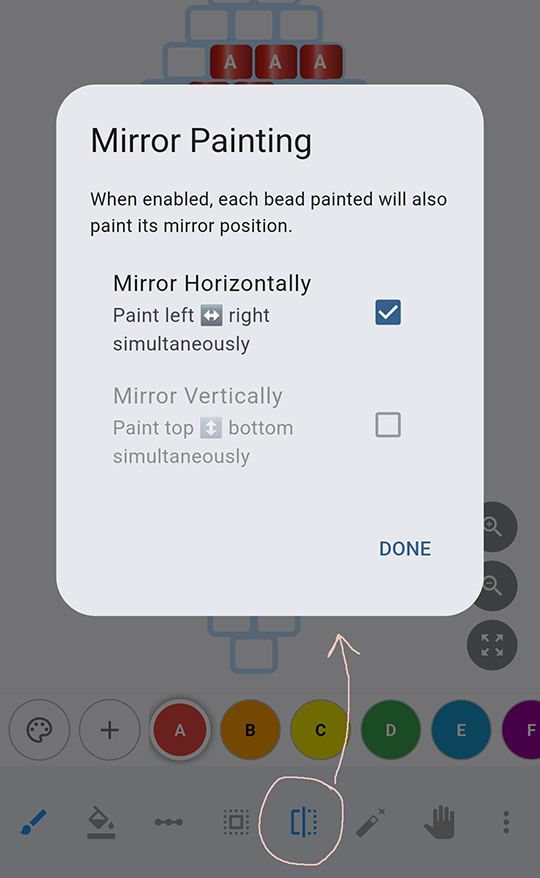
Here's a shortcut worth knowing early: turn on the Mirror tool and choose Horizontal. Paint a section once, and Bead Works fills in the matching half automatically — no need to paint the same shape twice by hand.
Draw on the pattern using several colors. See what kinds of designs you can make!
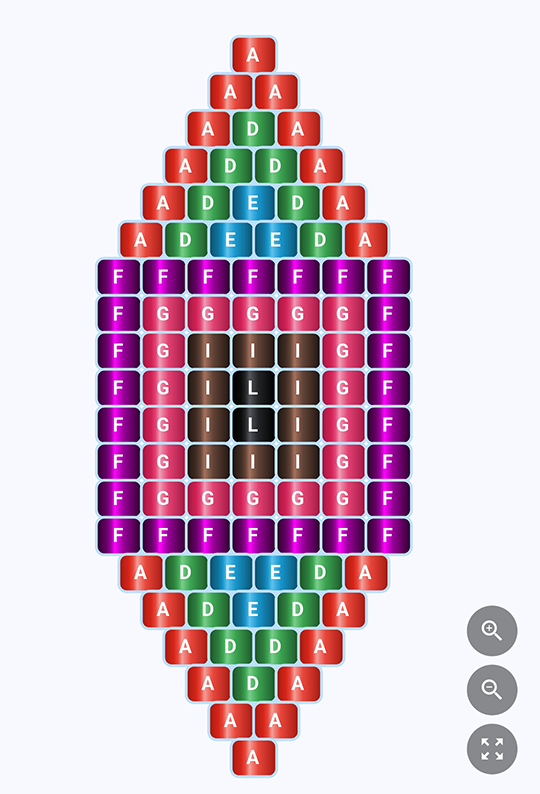
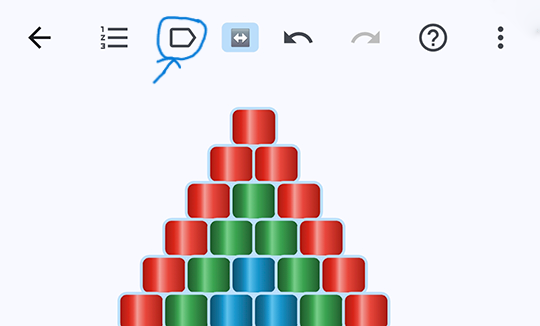
Turn off Bead Labels to see what the pattern will look like without the color labels. The Bead Labels tool is in the top toolbar.
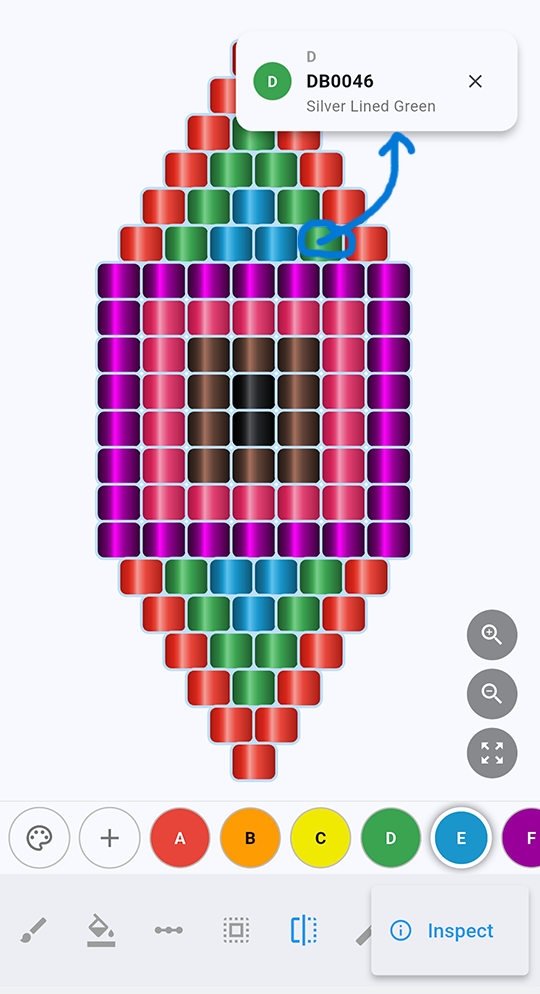
Or tap Inspect (tap the ⋮ menu in the bottom toolbar) to double-check a bead before committing to it. Click on a bead and a popup will show info on that bead.
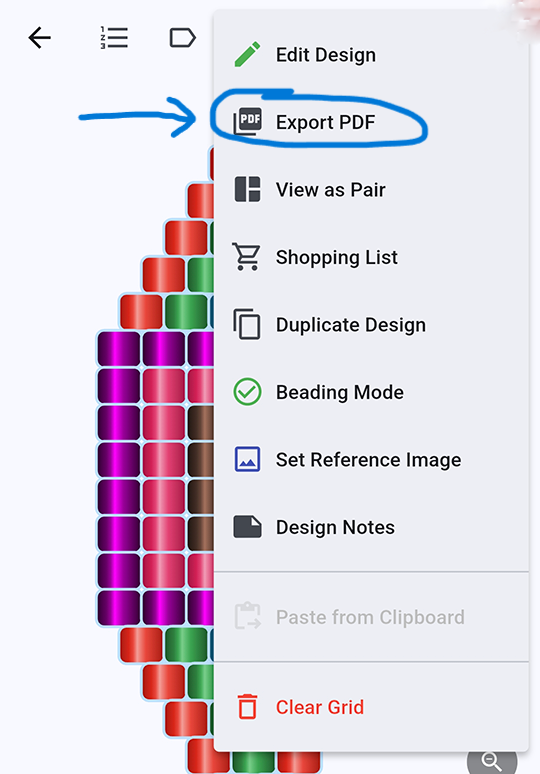
Happy with your design? Open the ⋮ menu item in the top toolbar and choose Export PDF — that's your print-ready pattern, ready for the workbench.
Sign in with Google (optional) to sync this design to your Drive, so it's there the next time you open the app on another device. From here, every other pattern type — peyote, brick, loom, medallions, right-angle weave — works the same way: pick a shape, paint, mirror if it helps, export when you're done.
Browse every pattern type →